1
Plug in and pick your dongle
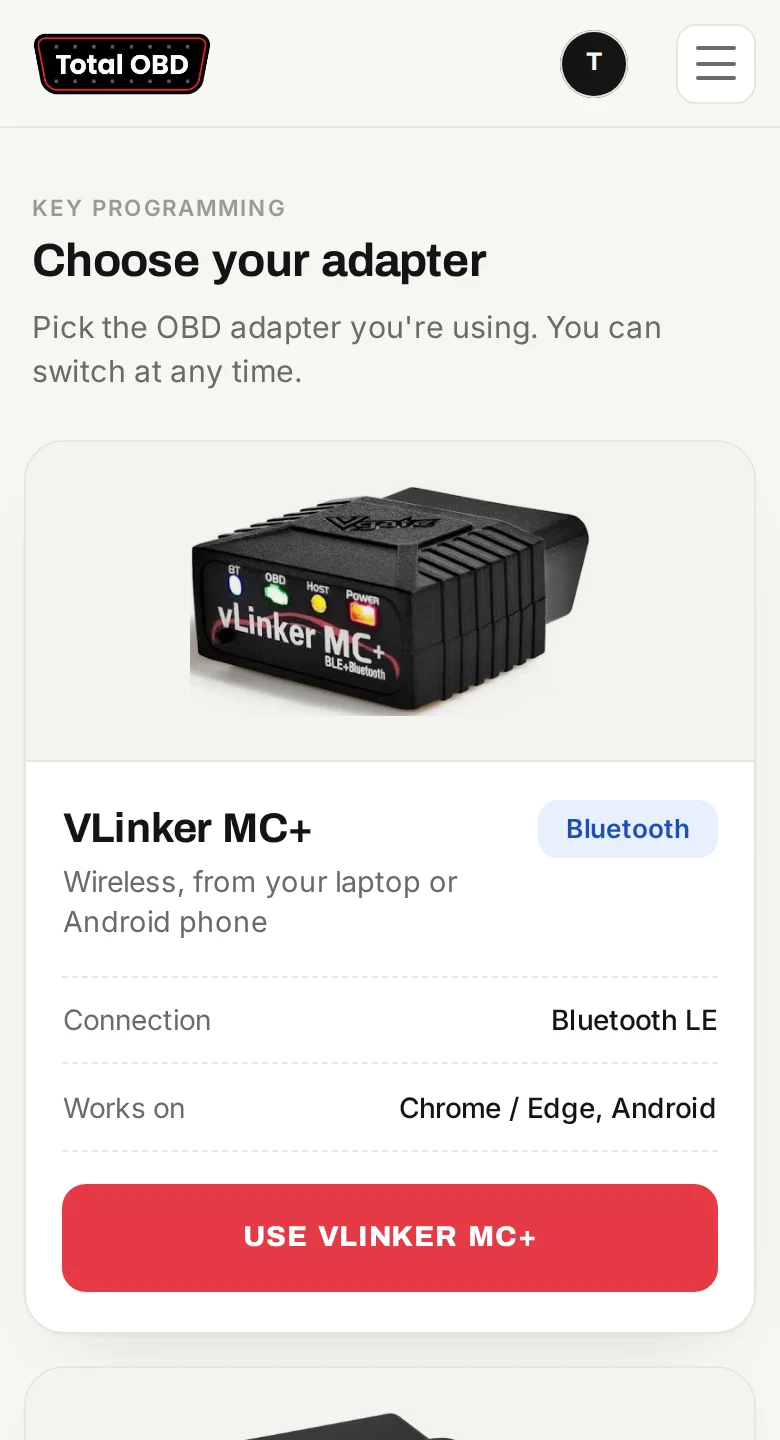
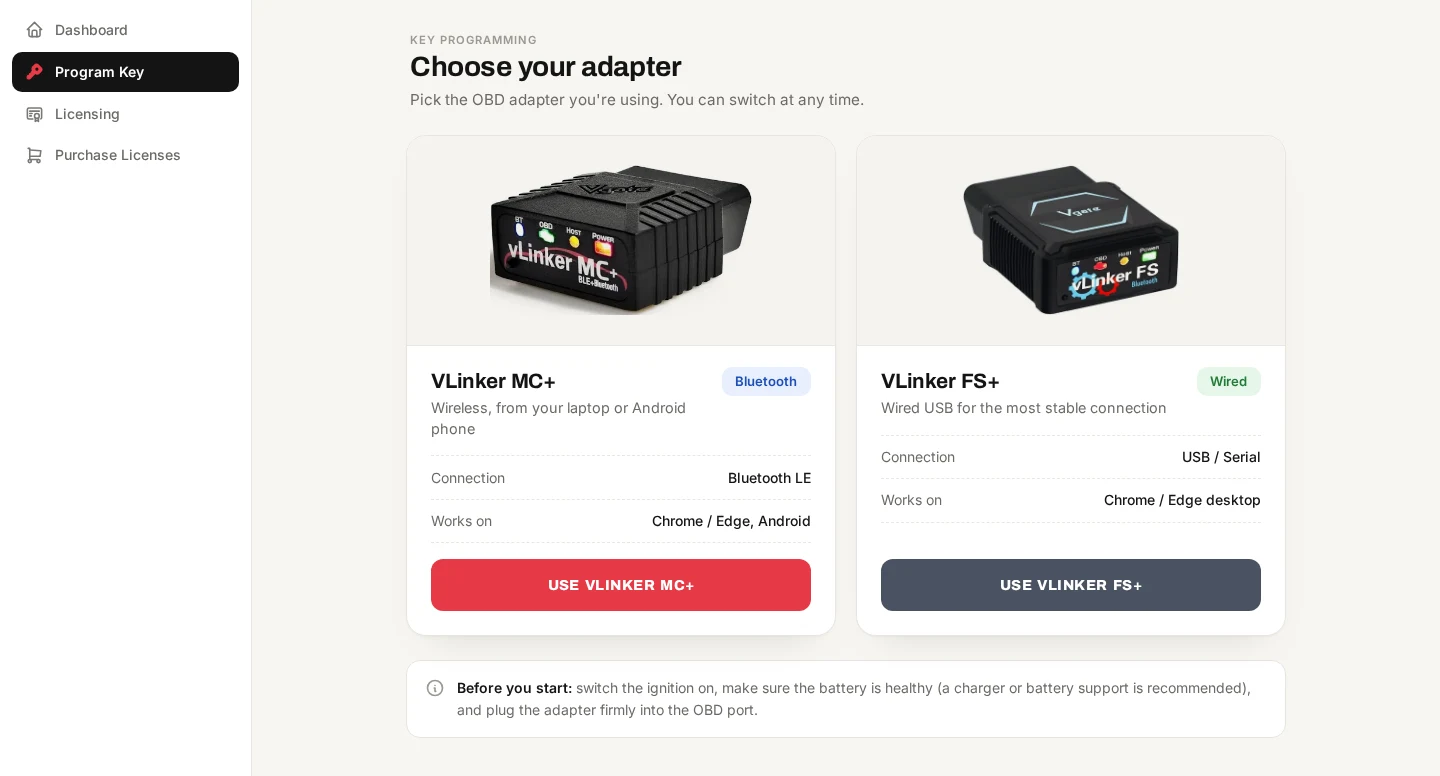
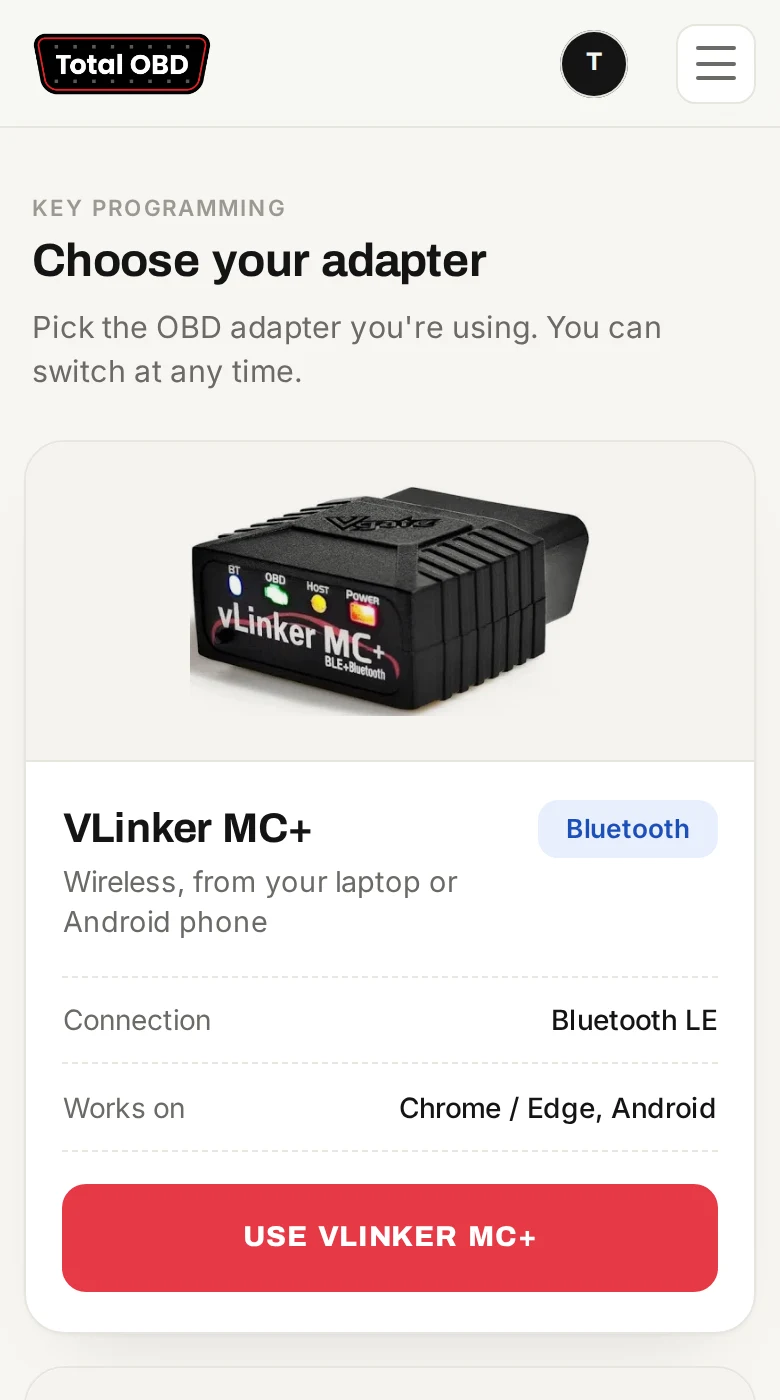
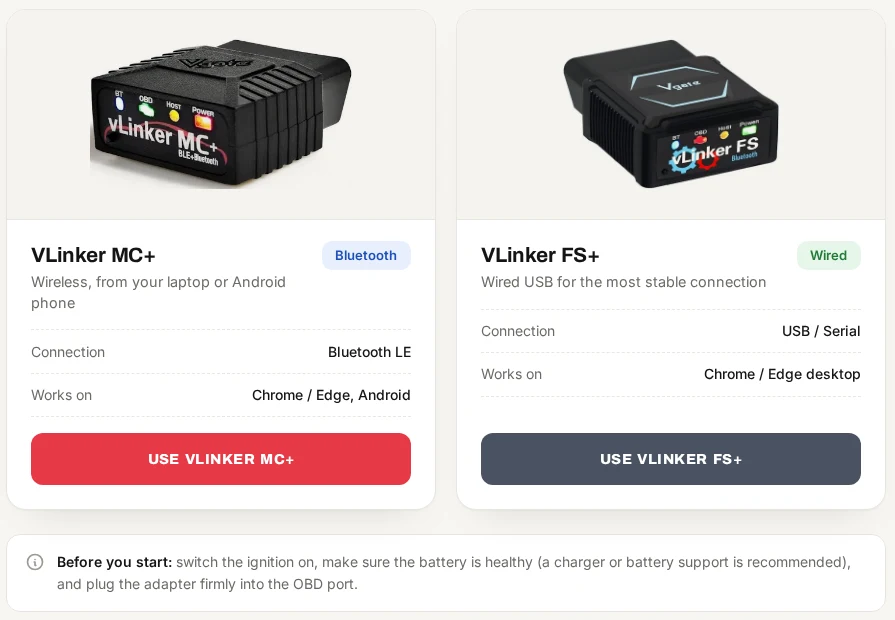
Plug the VLinker into the car's OBD port and turn the ignition on. In TotalOBD, choose the MC+ for Bluetooth or the FS+ for a USB cable.

Browser-based key programming
Plug a VLinker into the OBD port, open TotalOBD on your laptop or phone, and add or delete keys in a few taps. No software to install and no expensive programmer.
MC+ for Bluetooth or FS+ for USB. About £30 online.
Chrome or Edge on a laptop or Android. Bluefy on iPhone.
Time-based, not per key. From £5 for 3 days.
How it works
Plug the VLinker into the car's OBD port and turn the ignition on. In TotalOBD, choose the MC+ for Bluetooth or the FS+ for a USB cable.
Tap Connect and pick the dongle from your browser's list. TotalOBD sets the adapter up for you and reads the battery voltage before anything else happens.
app.totalobd.com wants to pair
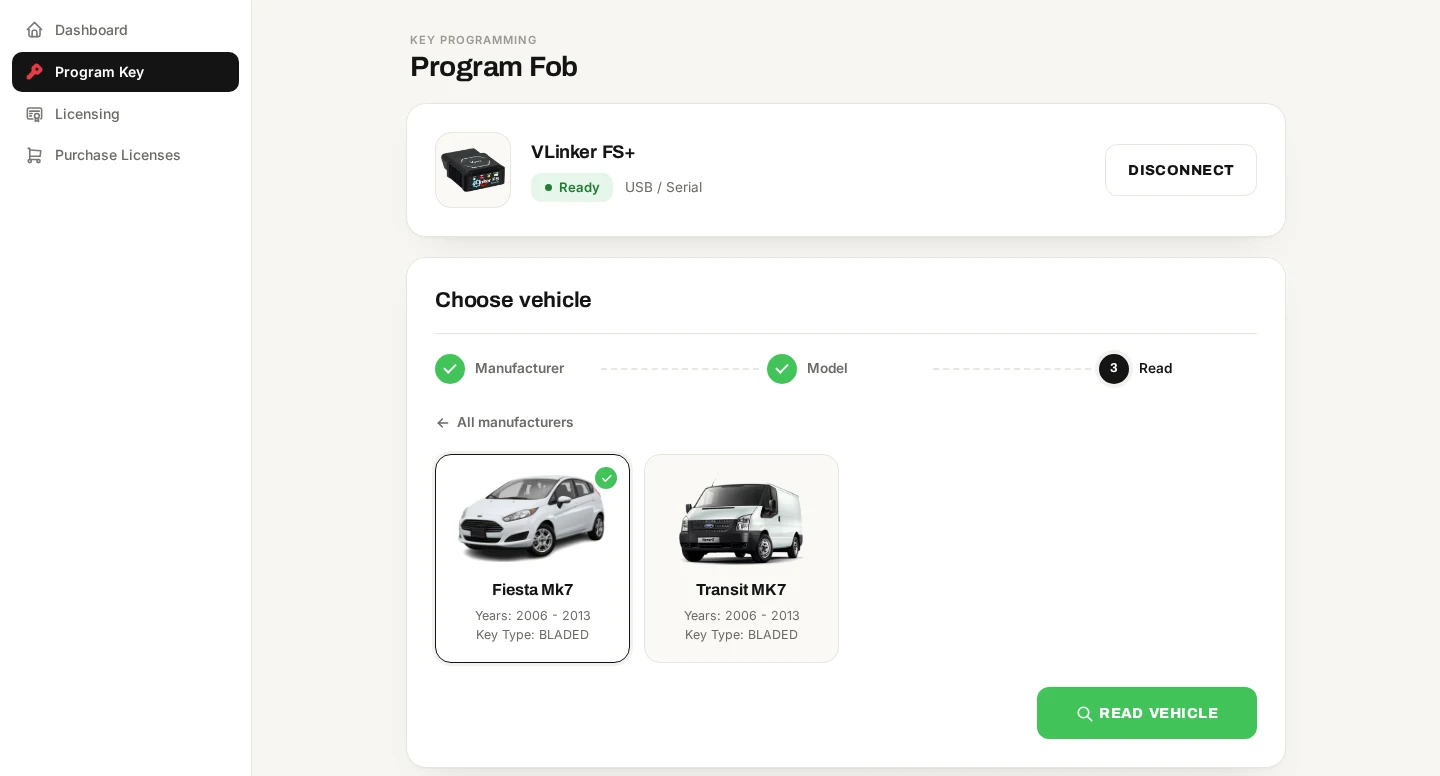
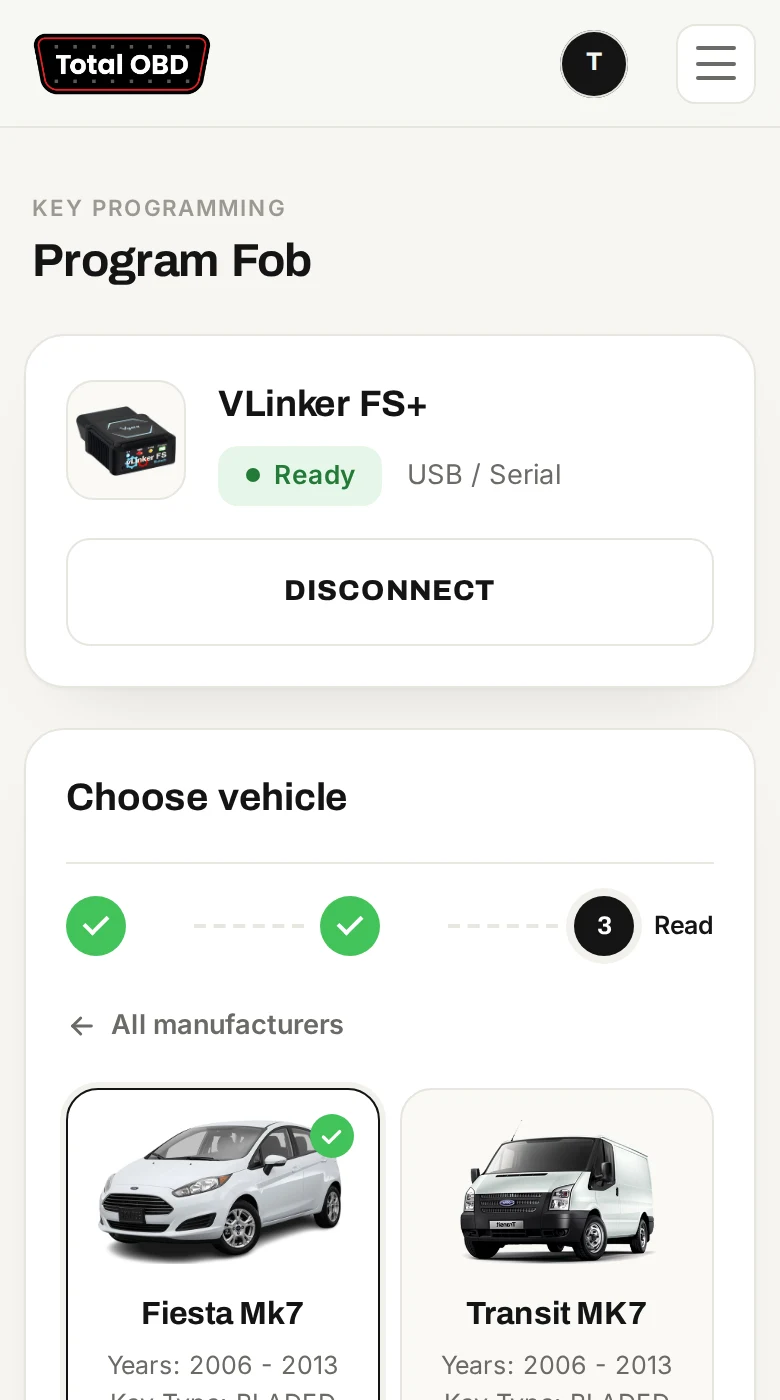
Pick the manufacturer, then the model. Every model shows its year range and key type, so you know you've got the right one before you read the car.
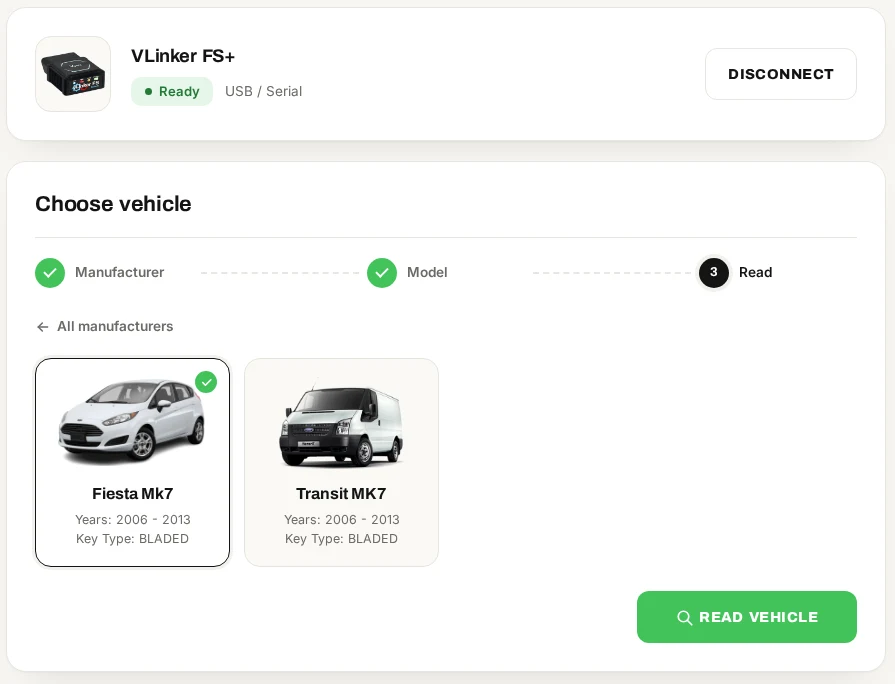
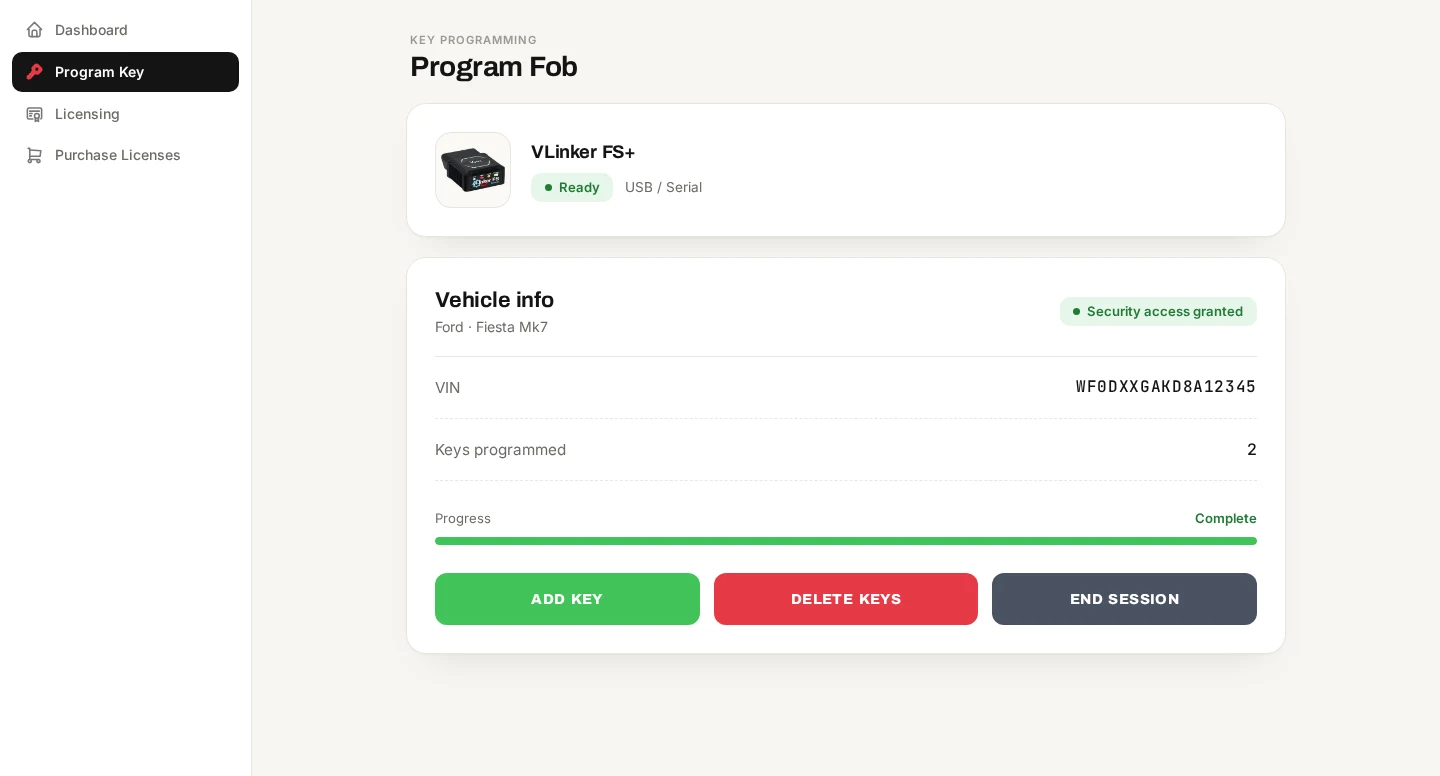
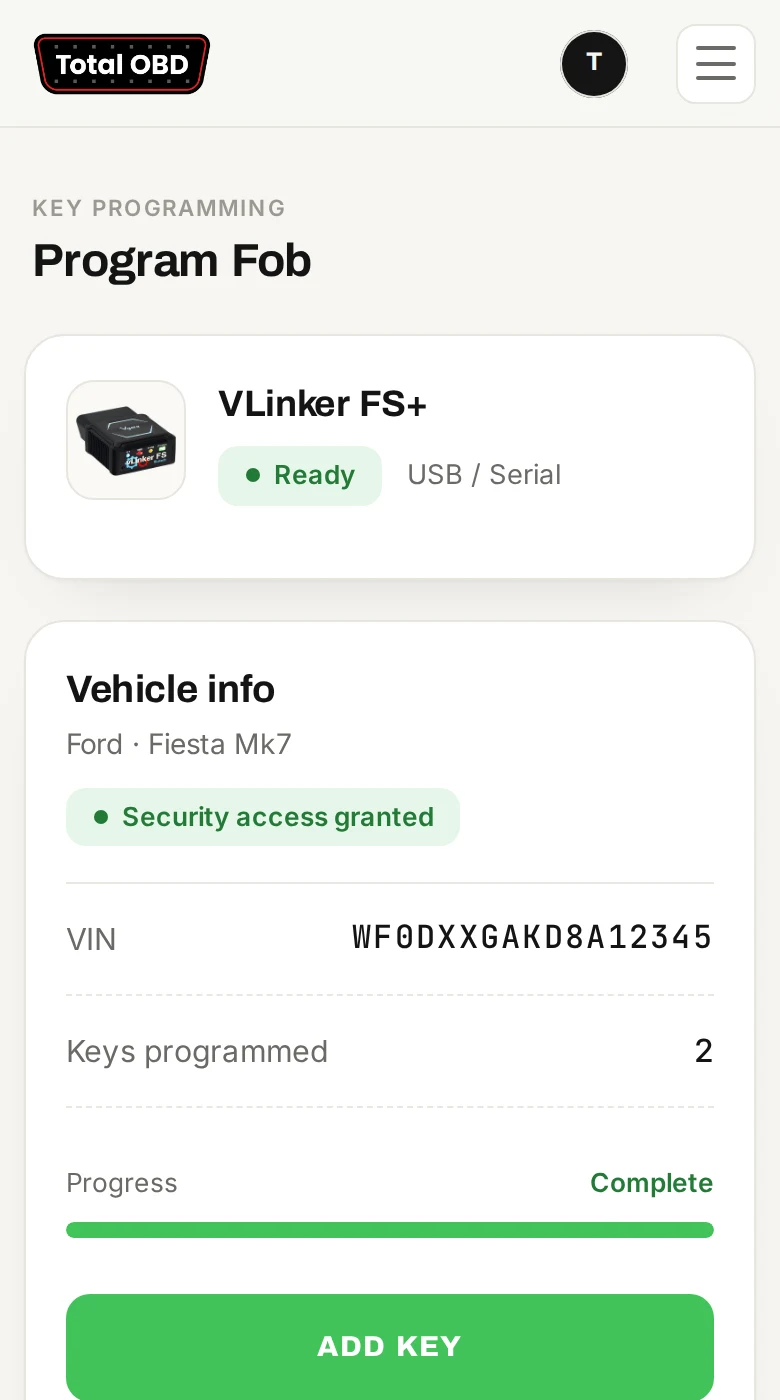
TotalOBD reads the VIN and how many keys are already programmed. Then it's one button to add a key or delete keys, and the new key count is confirmed straight after.
Hardware
Both are made by Vgate and are easy to get hold of online. You don't need anything else.
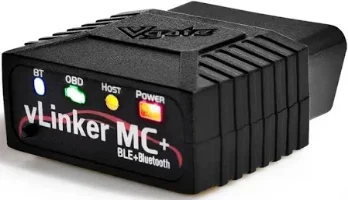
Wireless, so you can work from the driver's seat with your phone. The one to get if you want to use a phone.
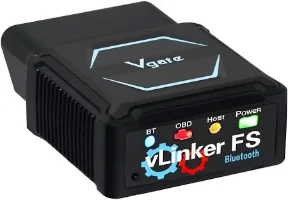
A cabled connection from your laptop. Nothing to pair and no Bluetooth drop-outs.
Supported vehicles
Key programming for 15 models, with more models on the way. New vehicles show up in the app as soon as they're ready, with nothing to update on your side.

Ford

Ford

Ford

Ford

Ford

Ford

Ford
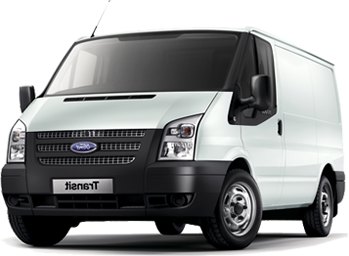
Ford

Ford
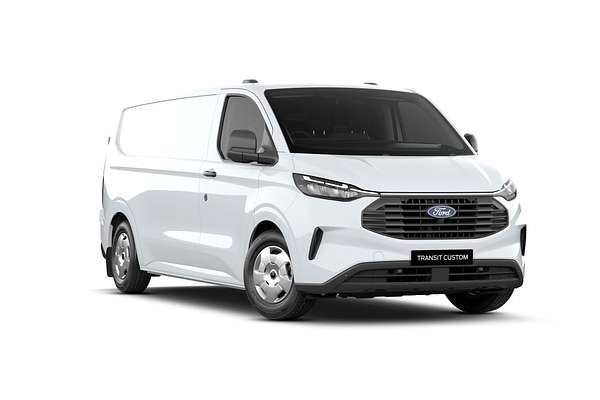
Ford
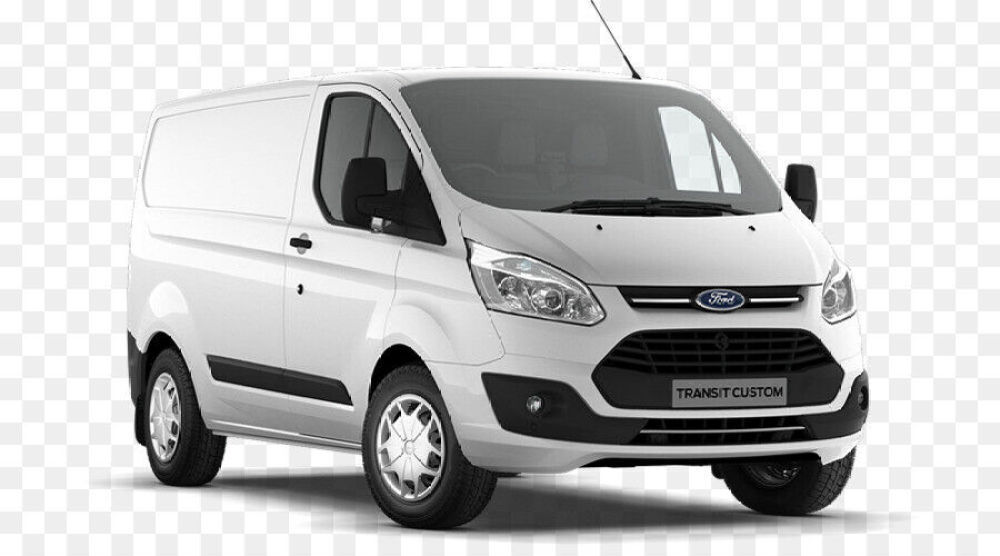
Ford

Porsche
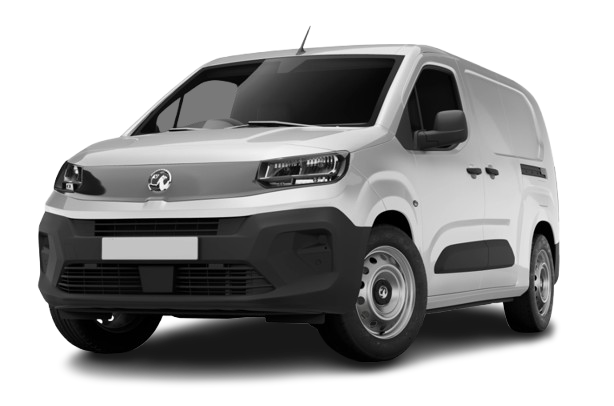
Vauxhall

Vauxhall
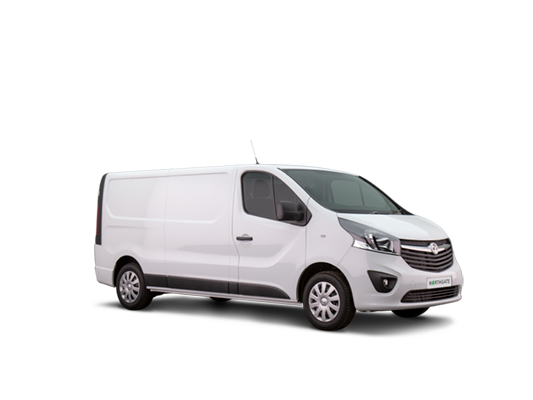
Vauxhall
This list updates automatically as new models are released. Want a model added? Email [email protected].
Built to protect the car
A flat battery or a loose connection halfway through programming can leave a module in a bad state. TotalOBD checks for these before it changes anything.
The voltage is checked at setup and again before reading the car. If it's outside about 11.5–14 V, the job doesn't start.
If the car isn't answering, you're told to check the ignition and the OBD port instead of the job carrying on regardless.
A missed reply is retried a few times first, so you don't lose a job to one bad message.
"The OBD dongle disconnected. Please reconnect and try again." You won't get error codes to decode.
Your phone or laptop won't go to sleep in the middle of programming.
Each session is saved to your account, so you have a record of what was done and when.
Works where you work
Pricing
A licence covers every supported vehicle for its whole duration. It isn't charged per car or per key.
£5
£1.67 per day
Ideal for a one-off job
Get started£10
£1.43 per day
A week of jobs
Get started£30
£1.00 per day
For regular work
Get started£200
£0.55 per day
Best value for the trade
Get startedBuying ahead? If you buy a licence while one is still running, the new one waits and starts automatically when the current one ends.
Get started
Signing up is free. Here's what happens next:
Already have an account? Log in
We've sent an activation link to . Click it to choose your password and you're in.
Can't see it? Check your spam folder, or email [email protected].
FAQ
Anything else? Email [email protected].
TotalOBD is an online car key programming tool. You plug a low-cost VLinker OBD dongle into the car, open TotalOBD in your browser, and add or delete keys without a dedicated key programmer or any software to install.
Right now TotalOBD supports 15 models. New models are added regularly and appear in the app automatically.
No. TotalOBD runs in your browser. If you like, you can add it to your home screen or desktop and it opens like an app.
Yes, with the VLinker MC+ (Bluetooth). Safari can't talk to Bluetooth devices, so download the free Bluefy browser from the App Store and open TotalOBD in that. The USB VLinker FS+ can't be used with an iPhone.
Get the VLinker MC+ if you want to work wirelessly or from a phone. Get the VLinker FS+ if you'd rather use a USB cable from a laptop.
Neither. It's time-based, so you can program as many supported vehicles as you like while it's active.
It waits in the queue and starts automatically when your current licence ends, so you don't lose any days.
Yes. Reading the vehicle shows the VIN and how many keys are currently programmed before you add or delete anything.
TotalOBD checks the voltage first and won't start if it's outside a safe range. Connect a battery support unit or charger and try again.
Check that the ignition is on, the dongle is pushed fully into the OBD port, and the port's wiring is intact.
Yes. Your phone's mobile data or the workshop Wi-Fi is fine.
Yes. It uses strong passwords and locks after repeated failed log-ins. You can also turn on two-factor authentication with any authenticator app.
We offer bulk licence pricing and tools for managing your own customers.